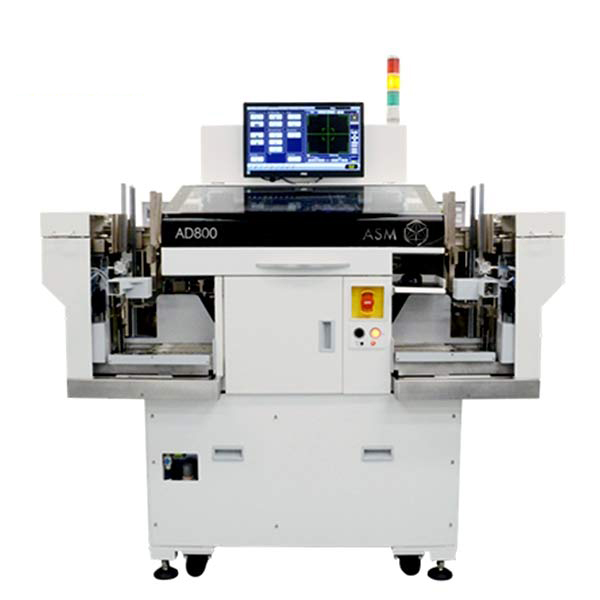
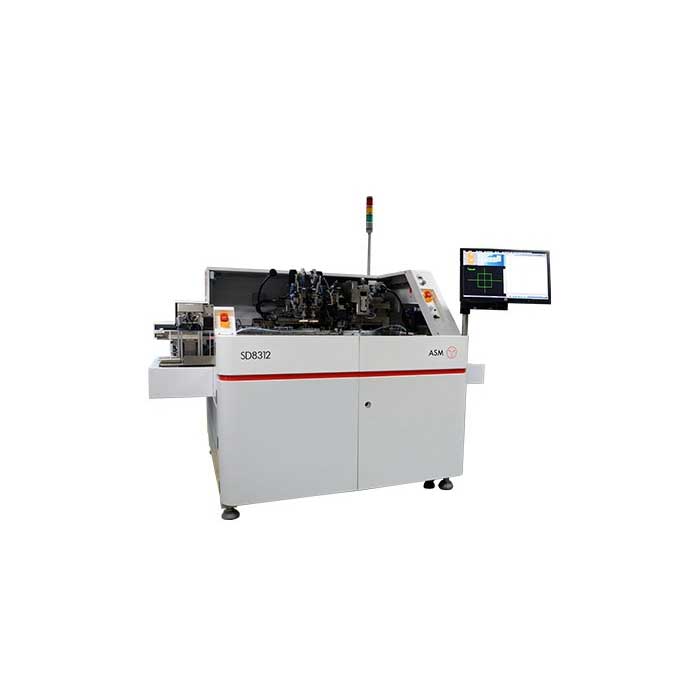
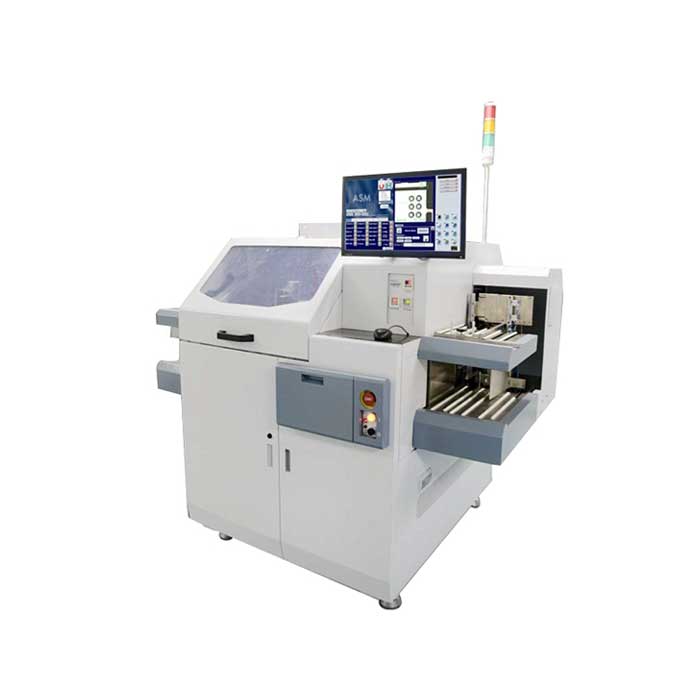
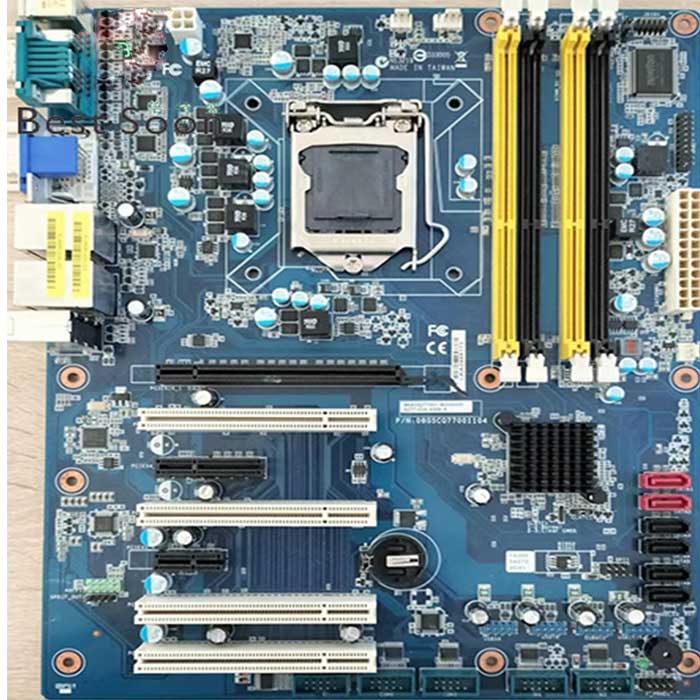
Before buying a discontinued die bonder, check spare-part compatibility, software licenses, recipe backups, and what support is included in the quote.
- Key Engineering Focus: Match the spare to the board installed in the machine
- Technical Scope: Check what can be restored after a PC failure
- Verification Takeaway: Ask for a separate quote for critical spares and repair
Before approving a quote for a discontinued die bonder, ask what it would take to put that exact machine back into production if its controller board or industrial PC failed. Start with the machine serial number, the installed part numbers, and a list of the software and files the seller will hand over. Ask for each item in writing so your maintenance team can review the same configuration your purchasing team is quoting.
Use this checklist to record what the supplier has verified, what is included in the price, and what still needs an answer before you place the order.
| Item | Evidence to request | What to confirm in the quote |
|---|---|---|
| Installed controller and critical boards | Machine nameplate and readable labels showing the part number and revision of each critical board. | Which spare is offered and whether it has been verified on the machine or an equivalent configuration. |
| Industrial PC and software | Installed software version, available disk image or installation media, and details of any license or dongle required. | Which files and license hardware will ship and who can assist with restoration. |
| Recipes and machine data | A list of the recipes, machine parameters, and calibration files that can be handed over. | What can be reloaded and what may need to be recreated or recalibrated after a repair. |
| Spare parts and repair | Part-specific availability, quoted lead time, and any available repair or test record. | Whether the item is in stock, available to order, repairable, or still unconfirmed. |
| Support after delivery | A named service contact and a written description of the work they can perform. | Who handles diagnosis, installation, software recovery, on-site work, and return freight if needed. |
Match the spare to the board installed in the machine
Ask the seller to tie the board photographs to the serial number of the offered die bonder. Check the full part number, revision, and any firmware or machine settings the supplier says are required. If a different revision is proposed, ask for the basis of the match and whether it requires a parameter change, additional configuration, or a follow-up test.
Keep the evidence with the quote. For example, if a seller offers a replacement motion-control board, record the installed part number, the proposed replacement, the machine or test setup used to verify it, and the functions that were checked. A repair bench test and a completed run on the offered machine should be recorded as different levels of verification.
Check what can be restored after a PC failure
Ask the supplier to walk through a specific scenario. The industrial PC no longer boots after delivery. What would your technician receive to rebuild the system, and who would help bring the machine back into service?
List the software version, available installation media or disk image, and any license key, dongle, or account required.
List the transferable recipes, machine parameters, and calibration files. If existing production recipes cannot be transferred, clarify which settings your team will need to recreate.
Ask whether a restore has been demonstrated. Record whether the test reached software startup, communication with the machine controller, or a machine run with restored settings.
If recovery has only been described, ask the supplier to quote a restoration test before shipment or name the service provider who would perform it after delivery. This gives maintenance and purchasing a concrete item to budget for.
Ask for a separate quote for critical spares and repair
Start with the parts whose failure would stop the machine and for which you have no backup. Depending on the installed configuration, that list might include a motion-control board, a vision interface, or the industrial PC. Ask for a price and lead time for each item. For a used or repaired spare, ask what was tested and whether a test record is available. For a repair service, confirm whether the failed unit must be returned and what happens if it cannot be repaired.
Compare the equipment price alongside the cost of a verified spare, restoration work, and any installation or recommissioning you will need. If a part remains unconfirmed, record what that means for your line. A machine backing up an existing line can have a different downtime allowance from one scheduled for daily production.
Agree on the handover before issuing the purchase order
Attach the machine serial number, installed options, spare parts, software and backup inventory, and any open checks to the quote or purchase order. Write down which items are included, which are separate, and who owns each outstanding check. If a spare board or restored PC is part of the deal, agree on the evidence you want before dispatch, such as a dated test record tied to the machine serial number.
If the equipment will run a specific die and substrate, agree on the sample run separately. Our used die bonder inspection checklist covers placement accuracy, tooling, and the records to request during acceptance.
Request a machine or parts review from GK-SEMI
If you are sourcing a discontinued die bonder or supporting one already in service, send us the full model, a photo of the machine nameplate, and any board labels or software version details you have. For an equipment quote, tell us whether the machine will replace an existing unit, run a specific process, or serve as a backup. For a die bonder spare parts enquiry, include the original part number and revision so we can check the requested item and confirm what can be quoted.
Field Inspection Warning: Check Spindle Runout & Chuck Flatness Before Shipping
Air-bearing spindle radial/axial runout and porous ceramic chuck flatness directly control chipping, kerf quality, and ultra-thin wafer survival. Always verify spindle vibration spectra and hair-line alignment test cuts prior to acceptance.
- Primary Equipment Catalog: DISCO Wafer Dicing Saws Hub
- Related Platforms & Parts: All Wafer Dicing Saws & Grinders
- Component-Level Repair: High-Frequency Air-Bearing Spindle Repair
- Pricing & Technical FAQs: 2026 Equipment Price Guide · Semiconductor Equipment FAQs
Frequently Asked Questions
Is it safe to buy a discontinued or EOL semiconductor die bonder?
Yes, provided you verify spare-part availability, backup the OEM software/dongle image, and confirm that critical wear assemblies—such as servo drives, vision cameras, and bond heads—have tested replacement stock or board-level repair support.
What software checks are mandatory before purchasing a legacy die bonder?
Confirm the machine boots cleanly into production mode, verify all installed software option keys and dongles on the HMI, and ensure full hard-drive/CF-card backups and calibration parameters are included with shipment.
How does GK-SEMI support discontinued ASMPT, Besi, or K&S equipment after delivery?
GK-SEMI maintains secondary-market spare parts inventory and operates an in-house 30+ engineer repair facility capable of repairing obsolete PCBs, servo drives, motors, encoders, and optical modules without relying on OEM EOL stock.